11 February 2019
Tips to Sleep Better: Technology
Tips to Sleep Better: Technology
Tips to Sleep Better: Technology
Here at Westpark Fitness, we care for the wellbeing of our members even when they are not onsite with us. This is why we are delighted to publish these ‘Tips to Sleep Better’ blogs to show you ways to optimise your sleep as a way to reach your health and fitness goals. Here we take a look at how technology can affect your sleep and offer tips to combat this and overall tips to sleep better.
Blue Light
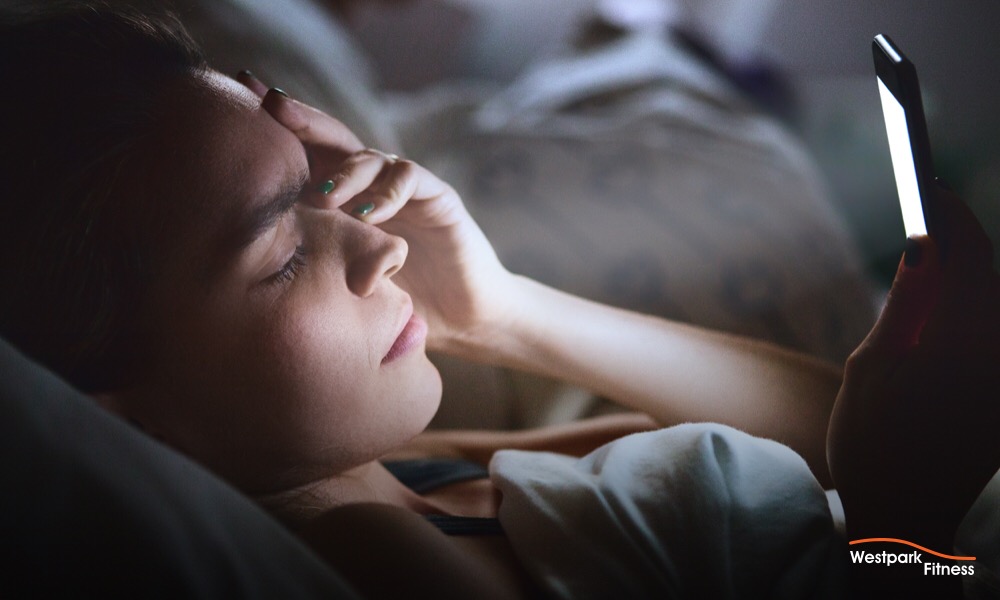
Devices such as mobile phones, tablets, computer, laptop and TV screens all emit what is known as ‘blue light’. Blue light is a part of the visible light spectrum that has been linked to inhibiting sleepiness in humans. This is largely due to how the body can perceive this type of light as it is known to trick our internal body clock into thinking that it is still daytime. So by using these types of devices in the run up to bed time, you may feel physically tired but having trouble actually falling asleep.
Tip: Refrain from using these types of devices for at least one hour before you go to bed. Break the bad habits of using the likes of your phone in bed and develop this new habit instead to sleep better.
Apps
While the above is the ideal scenario in terms of not using blue light devices the hour before you fall asleep; there are times when you may simply need to use them in this time. The likes of work commitments and family requirements may dictate this, so all hope is not lost. Apps exist that can block and reduce the amount of blue light emitted so that the effects are not as harmful. These apps can be kept enabled all day too to minimise your blue light exposure.
Tip: Use apps that can minimise / block blue light altogether emitted from your devices overall. Don’t use this as an excuse to keep using these devices up until the moment you go to sleep however.
Alerts
When you do put your devices away for the night, don’t let an alert or message lure you back to using them. Not only can the ping of an alert or message wake you from your sleep (which in itself is bad), but it can also emit more blue light into the room and your line of sight as the screen lights up. While it may not be ideal to put your phone on silent in case people genuinely need to contact you; instead consider disabling notifications for the likes of gaming apps and your social media accounts at night time. Better yet, why not log out of them completely until the next day?
Tip: Make peace with your devices at least one hour before you go to sleep by logging out of apps, games and social media accounts and turning off your notifications from them.
Alarms
It is not always doom and gloom with these devices however – they can have their uses too as part of tips to sleep better. One such way is by using your phone to set an alarm to wake up each morning. It is really beneficial for your internal body clock to wake at the same time each day to get into a healthy and consistent sleep pattern. Not only will this routine optimise your sleep overall as your body gets used to certain rest and sleeping periods; it can help establish a routine in your daily life overall.
Tip: Setting alarms and waking up with them at the same time each day can optimise your sleep as your body gets used to a healthy and consistent sleep pattern.
By implementing these tips to sleep better into your lifestyle and routine, you are sure to see the benefits of having more quality sleep when it comes to reaching your health and fitness goals.
Not a member of Westpark Fitness yet? Book your free tour here.
Would you like to share this article?